REFLECTION 1
FLIP YOUR CLASSROOM
 We live in the technology
era which is constantly changing and developing new models and patterns, and our
classrooms are not the exception. Then we
have to move from our traditional teaching methods, and try to introduce new
techniques and approaches according to the technological advances.
We live in the technology
era which is constantly changing and developing new models and patterns, and our
classrooms are not the exception. Then we
have to move from our traditional teaching methods, and try to introduce new
techniques and approaches according to the technological advances.
Currently, in our country
most of the schools use the traditional method in which the teacher is in front
of the students explaining the lesson to them.
However, this way of teaching can be totally changed with the Flipped
classroom method of instruction.
The book Flip your
Classroom by Jonathan Bergman and Aaron Sams explains this method in a very detailed
way because it is the result of their own investigation and implementation of
this approach in their classrooms. They
were looking for “what is the best for the students in my classroom” (Bergman,
J. & Sams, A. (2012), p. viii), and they realized that they could do better
than the traditional teaching to help “their students learn the content better,
as well as help them become better learners.” The authors also state that the flipped
classroom approach stablishes a framework that ensures a personalized education
according to students’ needs.
The approach presented by
the authors is very interesting and innovative, and the most important thing is
that it promotes a student-centered classroom.
It is aimed to support the students in their learning journey.
Bergman and Sams also
address the techniques of the implementation of a flipped classroom, and offer
suggestions for that purpose. For
example, how teachers can make their own videos, or used other teachers’ videos;
the equipment and electronic devices for record the videos; and the stages in
making the videos. They also give some
important suggestions to produce good quality videos, such as trying to keep
the videos under 15 minutes, making the videos exciting by using the inflection
of the voice, and adding humor, among others.
I consider that teachers
should manage this part very carefully because it will be the representation of
the teacher every time the students play the video to check the content. As they mentioned, if the teacher is not
accustomed to talk in front of a microphone or have a problem with his/her
voice, then it is also valid to use other teachers’ video.
 The article A Framework for
Integrating the Internet into ELT written by George M. Chinnery presents “an
alternative framework for Internet integration in English language teaching (ELT)”. It also includes “ideas for incorporating
Internet concepts even in schools that have little or no access to it at all
yet” (Chinnery, (2014), p. 2).
The article A Framework for
Integrating the Internet into ELT written by George M. Chinnery presents “an
alternative framework for Internet integration in English language teaching (ELT)”. It also includes “ideas for incorporating
Internet concepts even in schools that have little or no access to it at all
yet” (Chinnery, (2014), p. 2).
I agree with the author
about the reasons to use the Internet in ELT.
In fact, I consider it is very useful the use of the Internet in the classroom because it allows the students go hand in hand with the development of technology. However, I will have to guide the students on how to use this powerful tool by selecting the material
appropriate for their levels, considering the materials’ usability and the
copyright protection. In addition, students need to be oriented in
the Internet usage because they can access wrong websites that can be negative
for their minds and integrity.
In summary, I have to leave the traditional
teaching method of being in front of the class by applying the flipped classroom approach, and focus the attention on the students’
participation. On the other hand, my classes will be more interactive by integrating the Internet in my teachings.
REFLECTION 2
SECOND LANGUAGE AND TEACHING WITH TECHNOLOGY
 We live in the digital
era, where technology has impacted almost every
aspect of our lives, including education.
The traditional teaching methods have been left behind to open the doors
to the new educational trends and approaches according to the technological
advances. Currently,
learning is no longer an activity for classrooms. Students can access the information or
material of any subject through the internet at any time and place. They can also communicate, participate in
collaborative work, and play games with peers through online applications. In indeed, technology provides new tools for
independent learning, and motivates students to discover new ways of personal
improvement.
We live in the digital
era, where technology has impacted almost every
aspect of our lives, including education.
The traditional teaching methods have been left behind to open the doors
to the new educational trends and approaches according to the technological
advances. Currently,
learning is no longer an activity for classrooms. Students can access the information or
material of any subject through the internet at any time and place. They can also communicate, participate in
collaborative work, and play games with peers through online applications. In indeed, technology provides new tools for
independent learning, and motivates students to discover new ways of personal
improvement.
Thouësny & Bradley present in their book 10 chapters about “innovative applications of
technology in second language teaching and learning, and the transformation of
the different techniques to different theoretical framework” (p. 3). Those studies are the result of several
projects performed by young researchers.
We are going to focus on the chapter 5 about “Mobile-Assisted Language
Learning designed for your Students” (MALL), a “design-based research seeking
to enhance adult ESL students’ aural skills by means of mobile devices”
(p.18). It is mentioned that the
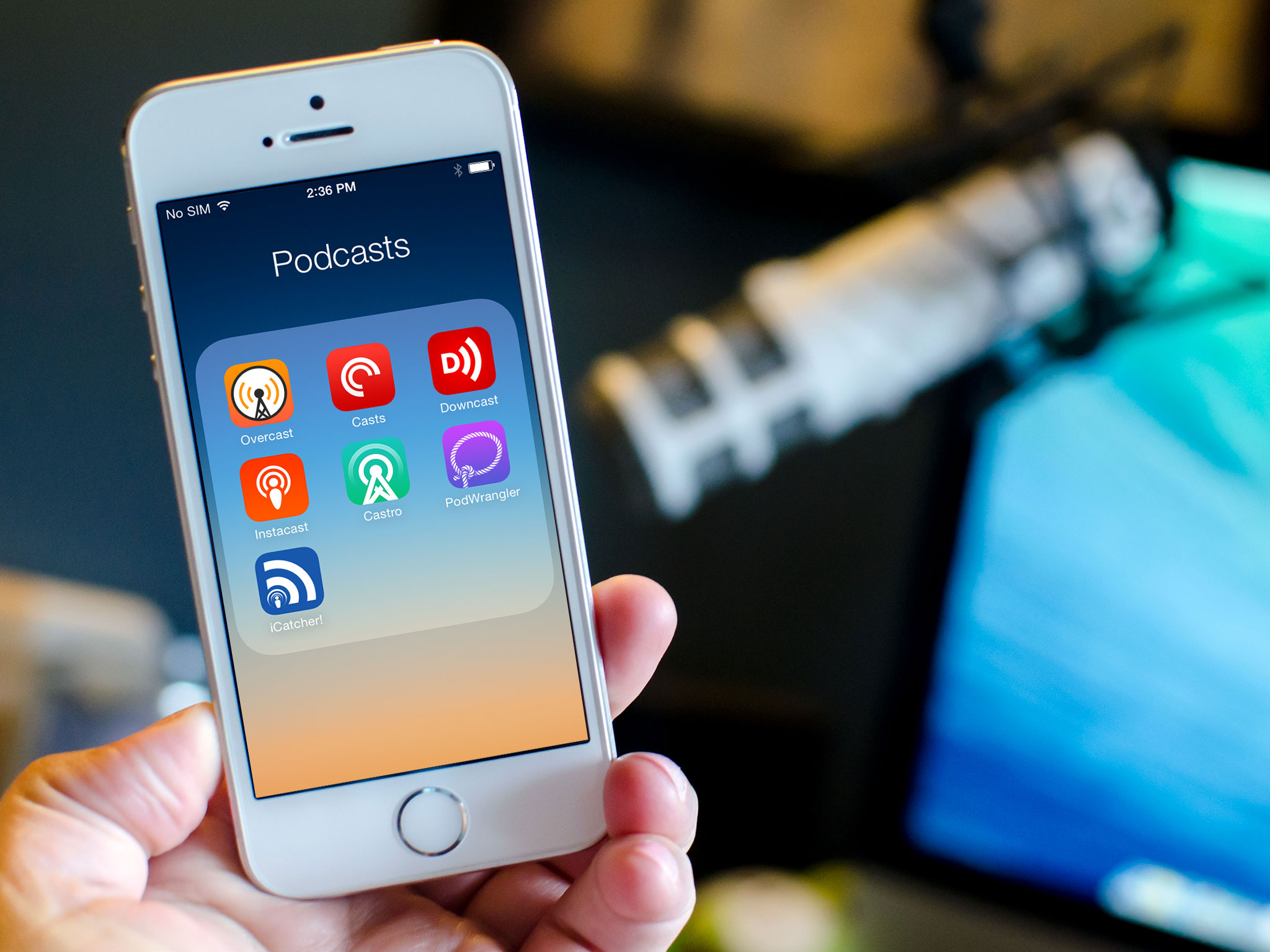
design of the MALL solution evolved from a set of podcasts to a suite of
learning tools which enable access to a networked community of practice and
other resources required for the completion of language tasks (p. 18).
The MALL seems to be a
very interesting technique that allows adult students to learn English
out-of-class in their own time, “working with audio and video recording
simulating real-life communication in an authentic workplace” (Thouësny &
Bradley, 2011, p. 87). All the tasks involve listening comprehension practice,
followed by recording of audio files which capture the usage of English in the
real world. Students can work
individually or collaboratively. All
these practices can be done without increasing classroom time. In addition, students
can combine different facilities and channels of communication with their
devices, and take advantages of their mobile technologies for improving their language
learning process. Currently, almost every
adult possesses an electronic device with access to the Internet. So, it is not difficult to implement this
method based on mobile devices.
Graham Stanley’s
booklet presents an overview of gamification and the use of online games for
language learning and teaching. He
states that games are a more natural way to learn than traditional classrooms
(p. 2). This booklet is very useful
because it is a guide for teachers, and it shows the different types of
computer games appropriate for encouraging language skills practice in the
classroom. The developing of
technology also allow teachers to integrate games as a tool for motivate
students to get engaged in classroom practices. Games are attractive not only for kids, but
also for adults. However, teachers have
to select the games very carefully before practicing them in class. The selection of games must include the four
leaning skills: games for practicing
listening, for encouraging speaking, and for reading and writing.
In conclusion, due to
the increasing impact of technology in the world, teachers have to update their
teaching methods, and integrate online applications and computer games to their
classroom activities, in order to give opportunities to the students of
developing their learning process.